Caddy – use regular LiPo batteries on DJI Inspire 2
Caddy – use regular LiPo batteries on DJI Inspire 2
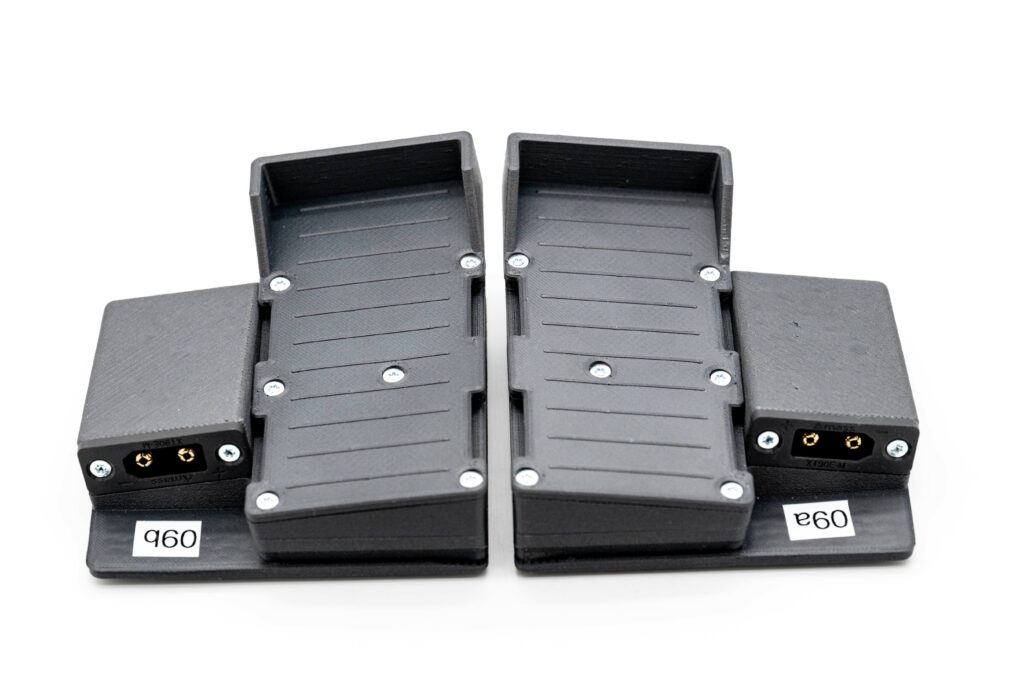
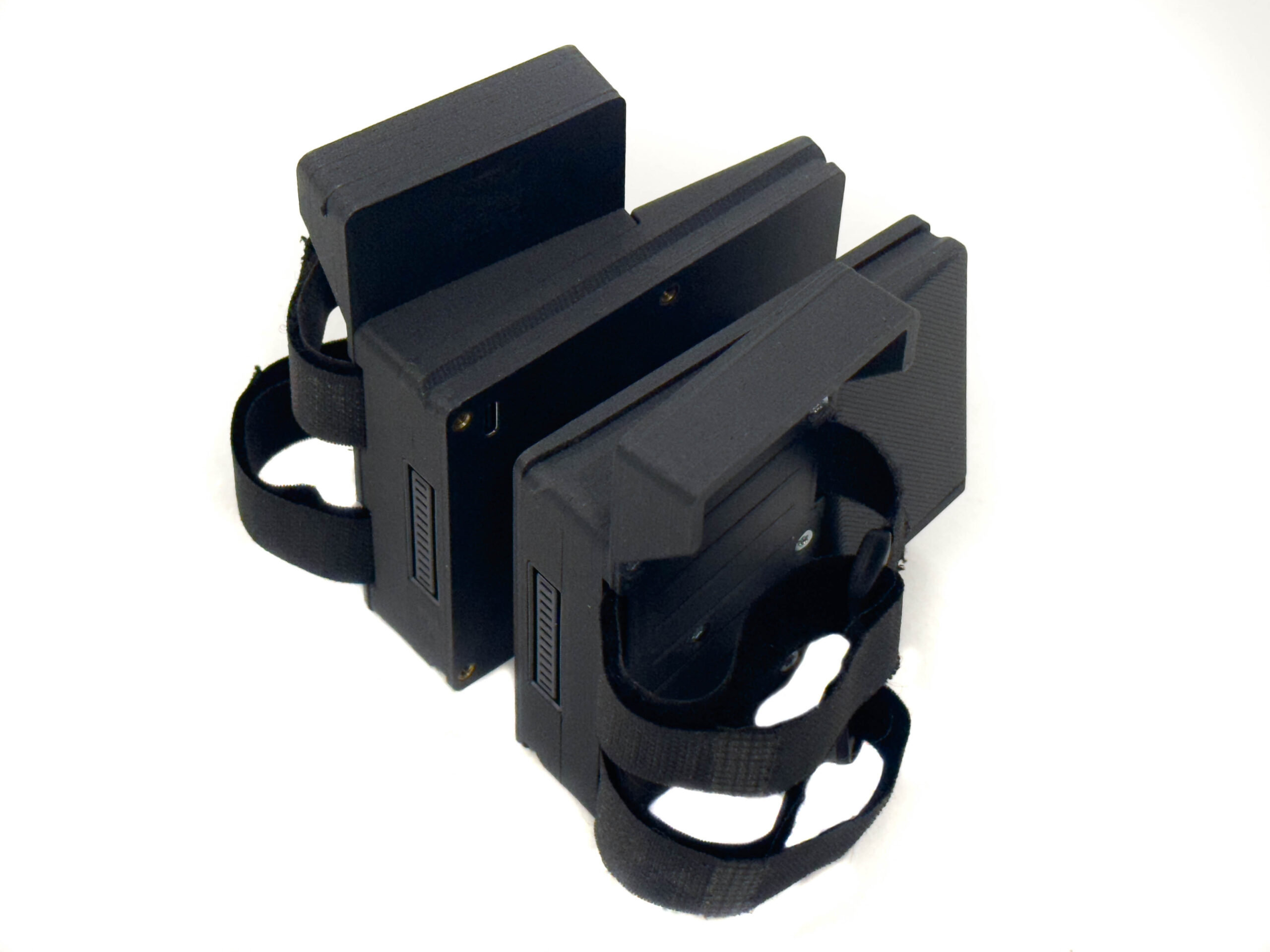
What is “caddy” anyway?
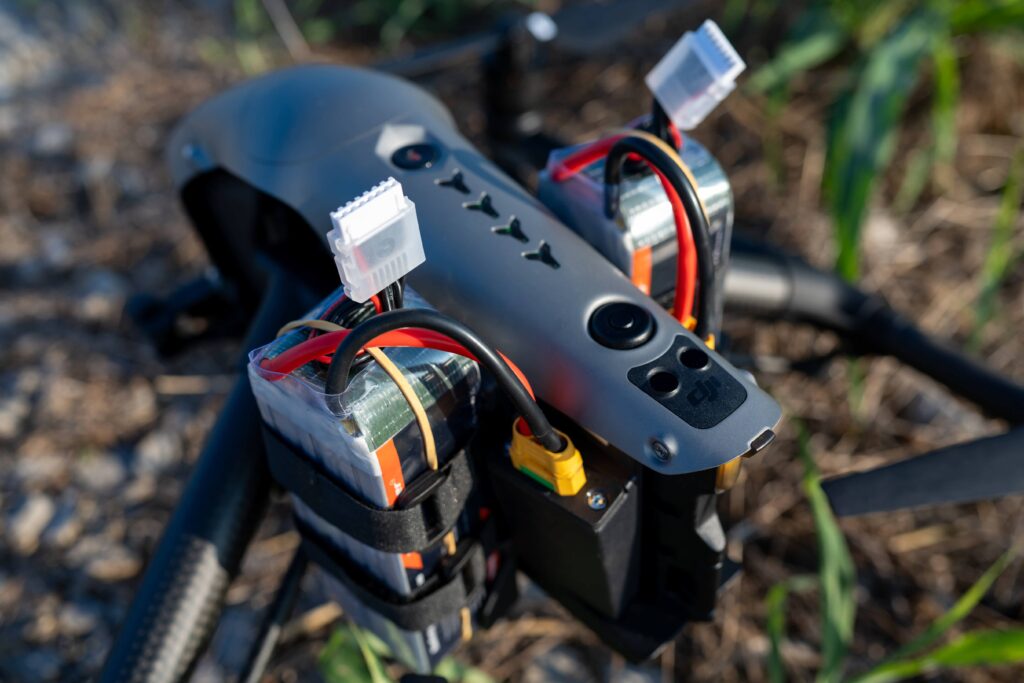
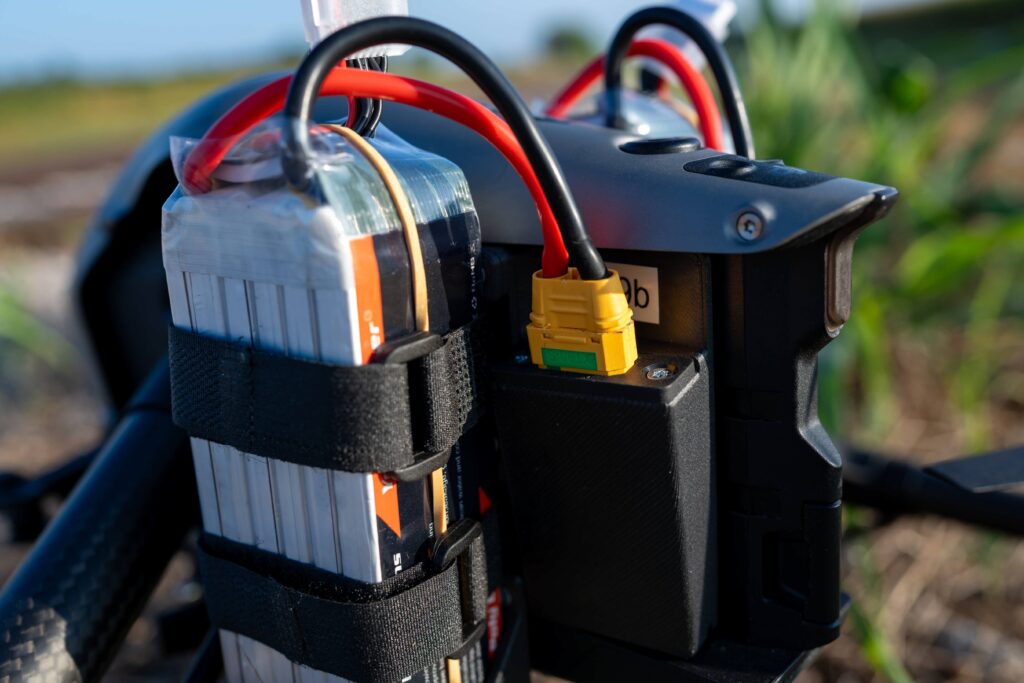
“Caddy” is essentially an adapter, enabling the usage of standard LiPo batteries on the Inspire 2 drone. It can “speak” Inspire 2 language and send information about voltage, etc, in a proper format, enabling almost seamless usage of non-standard batteries on Inspire 2 drone.
Why would you need one?
While for many people, cost might be the most obvious reason (4000mAh 6S LiPo prices start at around $70), for us, it was the discharge rate – we wanted to fly more aggressively. The original batteries did not provide enough power. Don’t get me wrong – TB50 is a great battery, but it is also a compromise between capacity, discharge rate, and weight.
Where did the project start? Many (if not all) Inspire 2 pilots have experienced the “power output limited to protect battery” warning. Reducing power mid-shot can ruin the shot. For us, the breaking point came during the filming of the rally film “Legends of the Winding Roads,” where we utilized FPV-style shots (with a DJI Air Unit installed on an Inspire 2). We were pushing the drone much harder, and as a result, we had to “reset to one” too many times due to strong headwinds. Completely new batteries help somewhat, but even then, it’s not always effective.
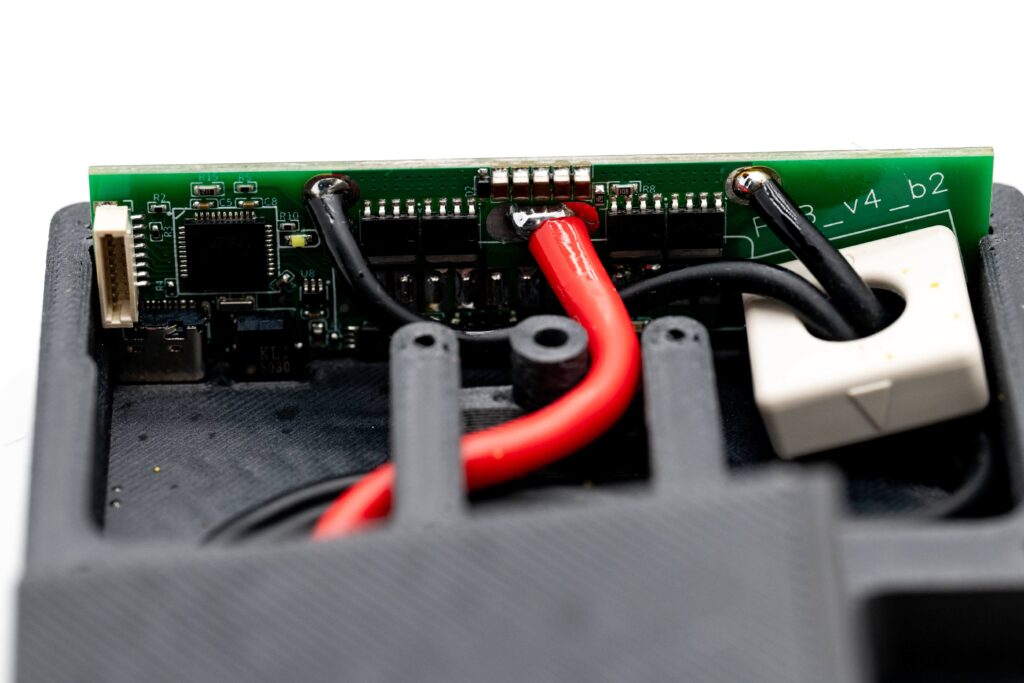
So, the first and straightforward version of Caddy had the original BMS from TB50 inside a 3D-printed case
Benefits / Pros
- Power. TB50 has a discharge rate comparable to that of a small potato, and it cannot be pushed for too long; voltage sag is severe. On the other hand, even with the cheapest 40C 4000mAh LiPo, I can go full throttle at 3.80V, and sag is barely 0.2V, so I get a solid 10 minutes of flight time while being able to push to the maximum throughout the entire flight.
- Agility. A higher discharge rate means you can adjust internal parameters and make your Inspire a little more (or significantly more) agile, which is especially necessary when you start flying your Inspire in FPV. You can even fly in “Manual” (Acro) mode if you’re brave enough!
- Safety. I know it sounds ridiculous – replacing an original piece of equipment with a DIY solution doesn’t seem like something that might improve safety, but… The Biggest safety benefit for us so far – more power means less risk in demanding situations like flying from a moving ferry on the open sea. Going against the wind can trigger battery protection (“power output limited to protect batteries”), and if the captain is not kind enough to slow down and wait for the drone .. you’re screwed.
- Cost. 40C 4000mah battery from CNHL is $70 – compare it to the original TB50, which is 190-209 dollars..
Limitations / Cons
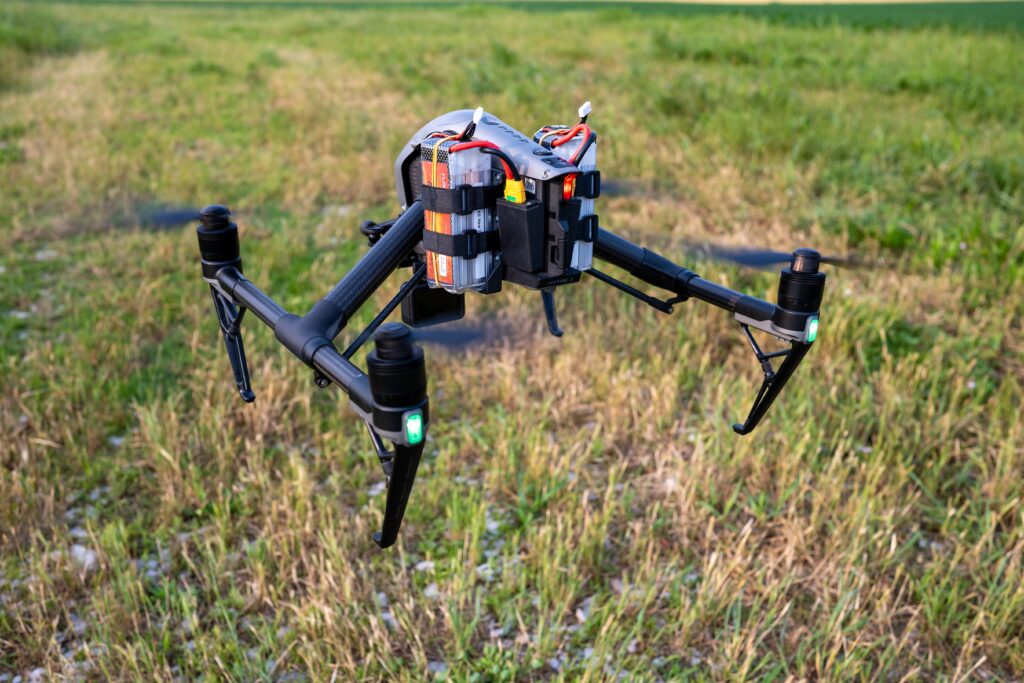
- Weight. Using a higher-density LiPo (higher discharge rate inevitably means higher density) and using an adapter adds weight, so your drone will be heavier (check local regulations).
- Charging. You will need standard LiPo chargers for your LiPo batteries, and if you’re accustomed to DJI products, that might feel somewhat unsafe at first.
- Some functions will not work as precisely and correctly as with TB50, because we are not “authorized” and have to invent workarounds. For example, flight estimation in Inspire 2 is based on battery capacity, and as this is variable (you can use any size that physically fits), it is not possible to give Inspire 2 proper flight estimation (we calculate it based on voltage, which is .. well .. guesstimate)
- You should NOT rely on “Smart RTH” – LiPo’s you’re using are not “smart” and consequently Smart RTH may fail you.
- The self-heating feature that you enjoyed on TB50s is no longer available.
- “Power” button will not function properly – you cannot turn off Inspire by pressing it and you can not put Inspire into “travel mode” while using caddies by pressing power button 4x times (as with caddies, you turn on your Inspire like on “old-school” drones – by plugging in battery wires or sliding the caddy in)
Instruction video here:
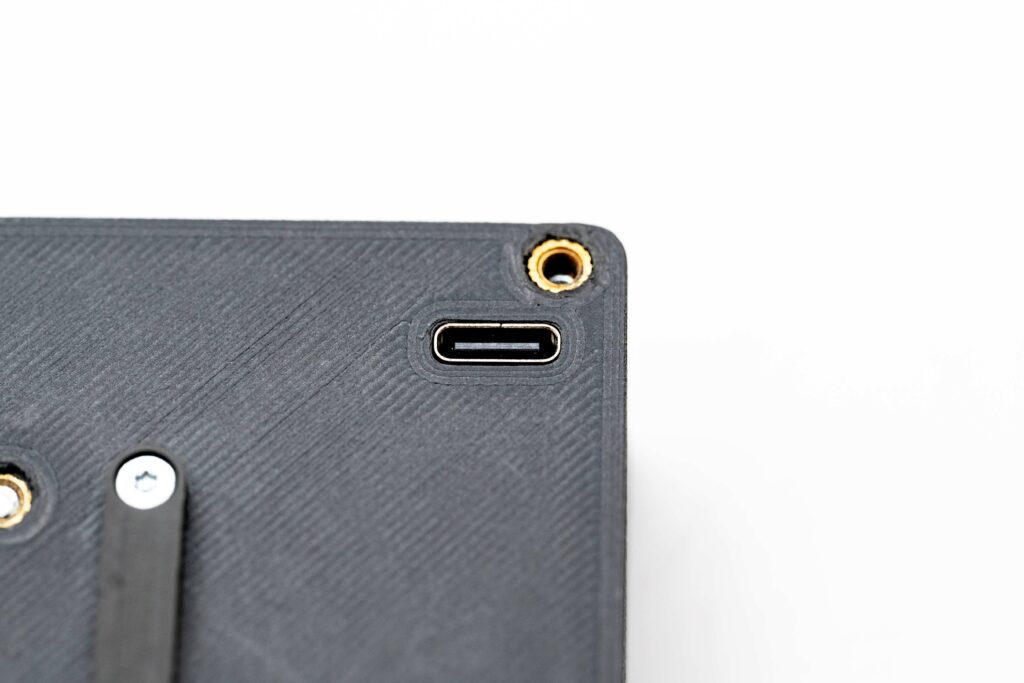
Power socket for upgrading the Inspire 2 FPV camera to the DJI FPV 04 air unit!
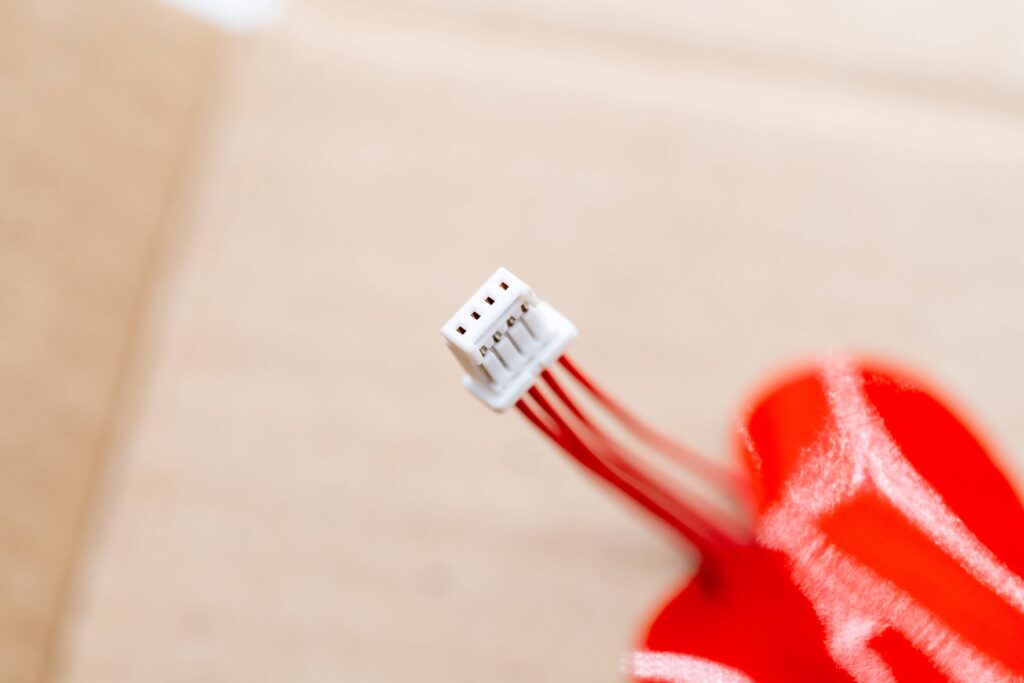
Power socket for upgrading the Inspire 2 FPV camera to the DJI FPV 04 air unit!
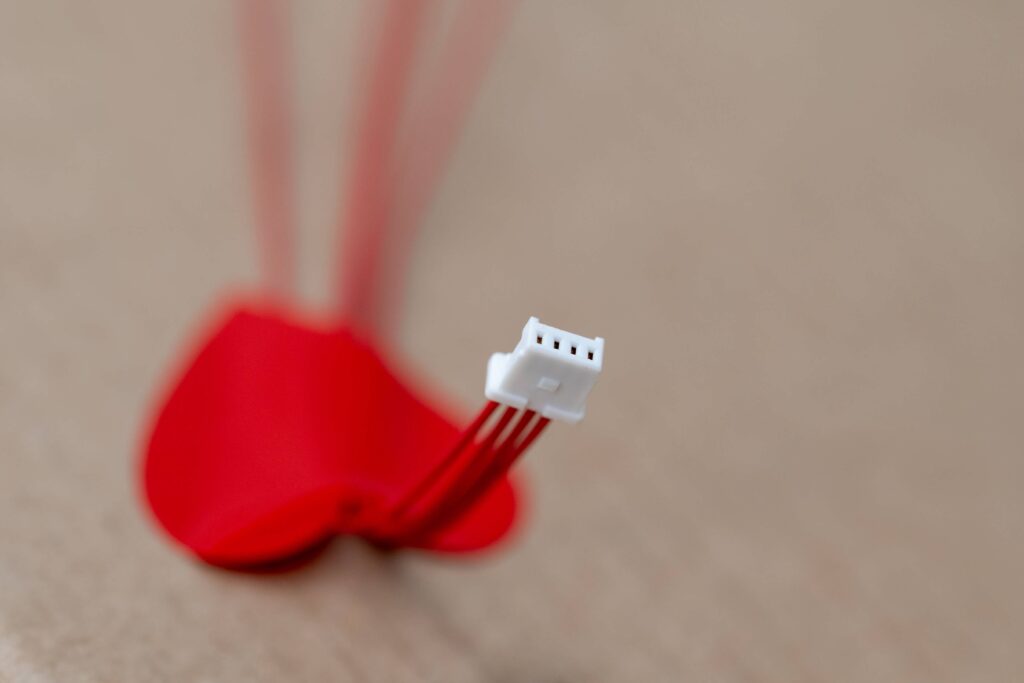
Installation instructions
Upgrading the Inspire 2 FPV camera to the DJI FPV 04 air unit!
Inspire 2 Lipo Caddy Upgrade, First flight test (5-25-2025)
Regular Flight Modes on the controller of the Inspire 2
Positioning Mode (P-Mode) P-Mode, first position, is the standard flight mode for the majority of pilots. In this mode, all the sensors on your aircraft are active, including GPS and any available vision or infrared sensors. This results in precise hovering of your aircraft, even if you stop controlling it with the remote controller. P-Mode requires a strong GPS signal to function and will disconnect if lost.
Sport Mode (S-Mode) second position, increases the available speed of your aircraft by utilizing only the GPS signal. Vision and infrared systems will not be available.
Attitude Mode (ATTI Mode) Third Position, ATTI mode maintains the aircraft’s altitude and does not utilize GPS or vision systems. The aircraft will therefore drift and move in any wind and needs to be manually controlled.
Acro flight mode (Manual Mode) Through hack software I repurposed the third position, Attitude Mode to Acro flight mode.
Acro mode, also known as manual or rate mode, is a flight mode for drones, particularly FPV drones, where the pilot has complete control over the drone’s movements without any automatic stabilization or leveling from the flight controller. In acro mode, the drone will continue moving in the direction it was last traveling, even if the controls are returned to neutral, until the pilot inputs a corrective action.
Regular Flight Modes on the controller of the Inspire 2
Caddy Lipo 4500Mah 6s on Inspire 2 (8-10-2025)
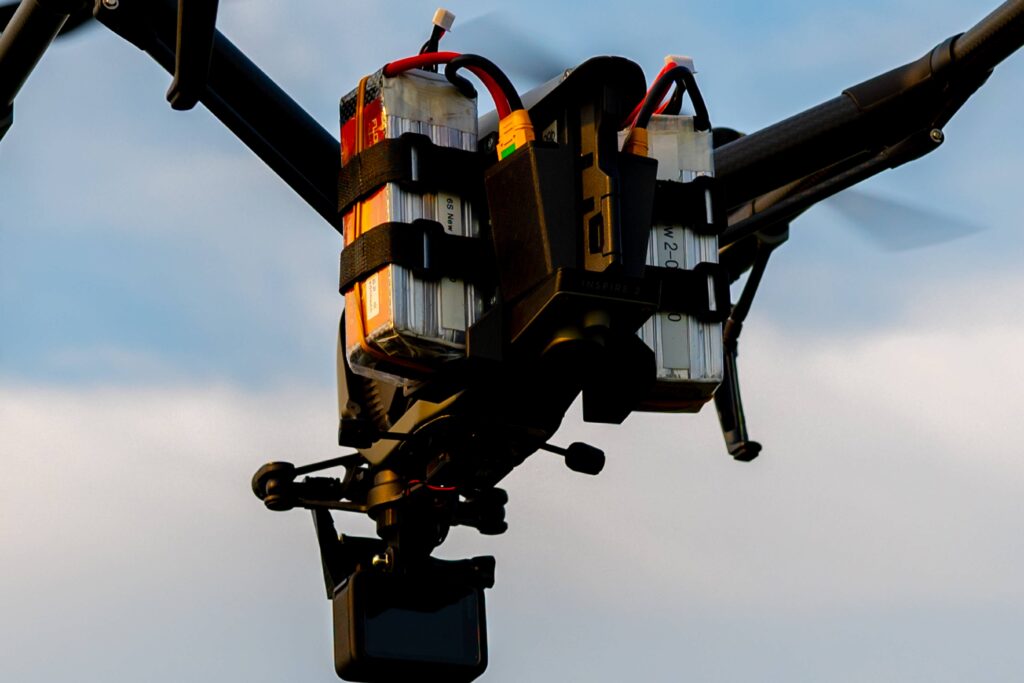
Mounted on the Inspire 2
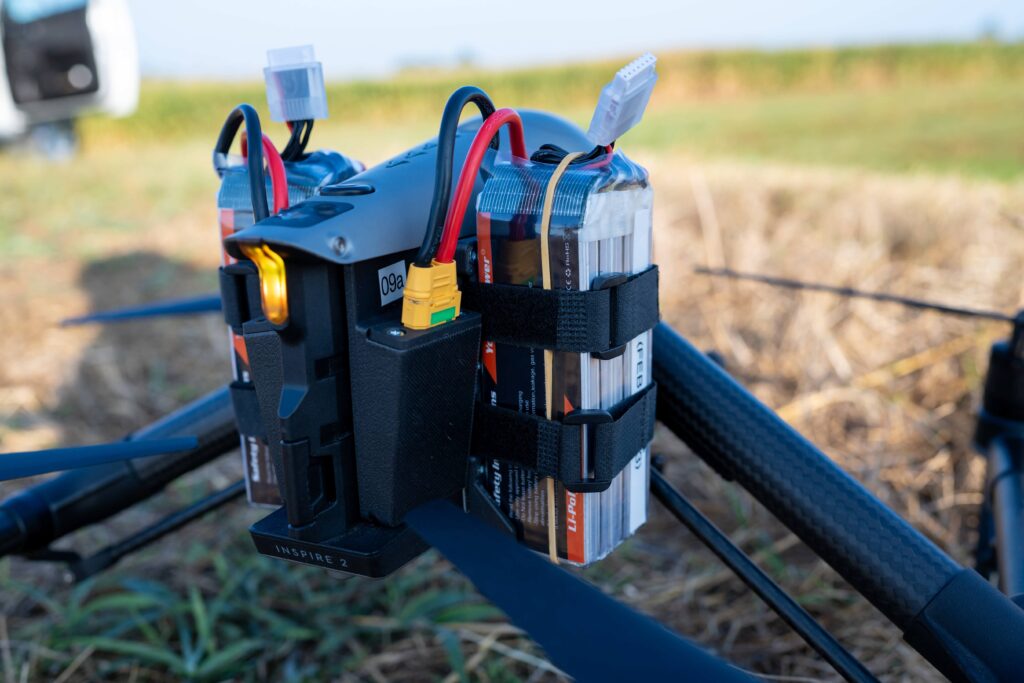
Caddy – Units
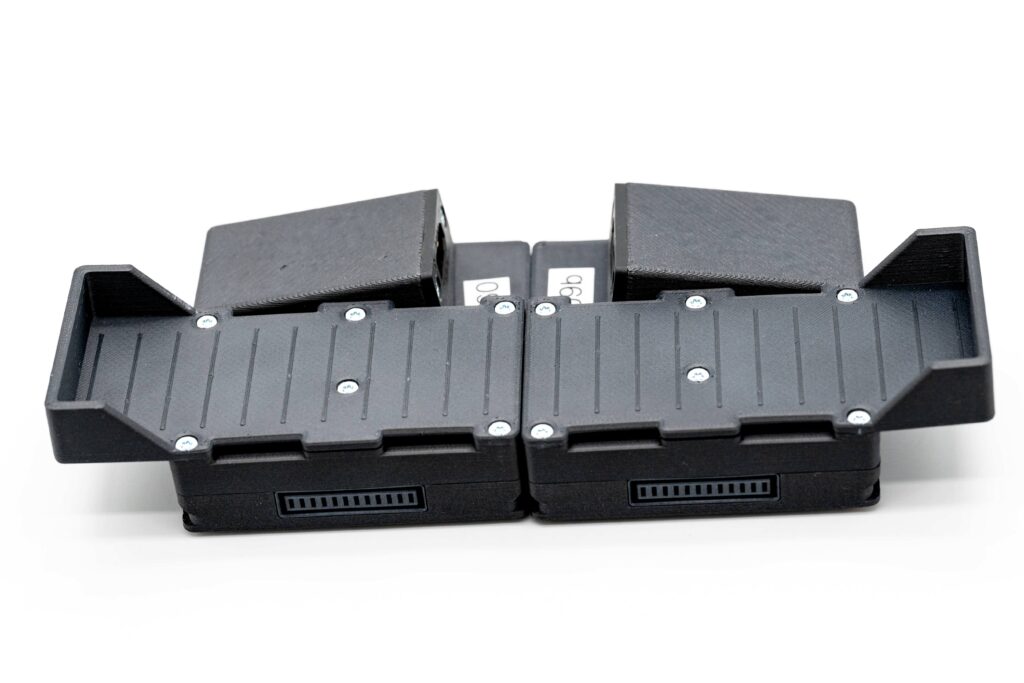
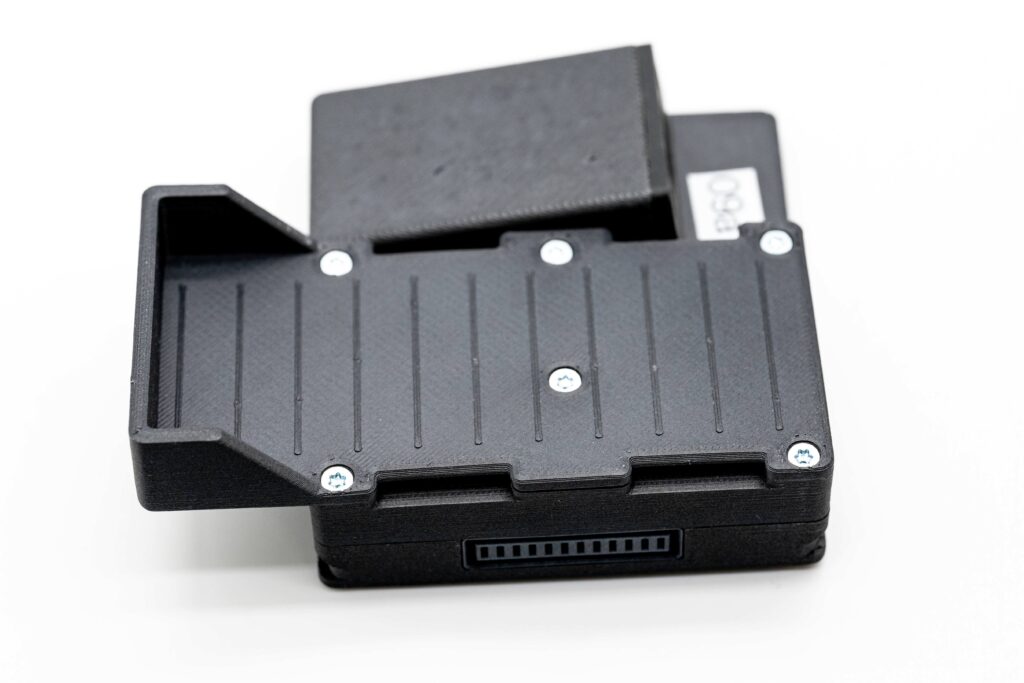
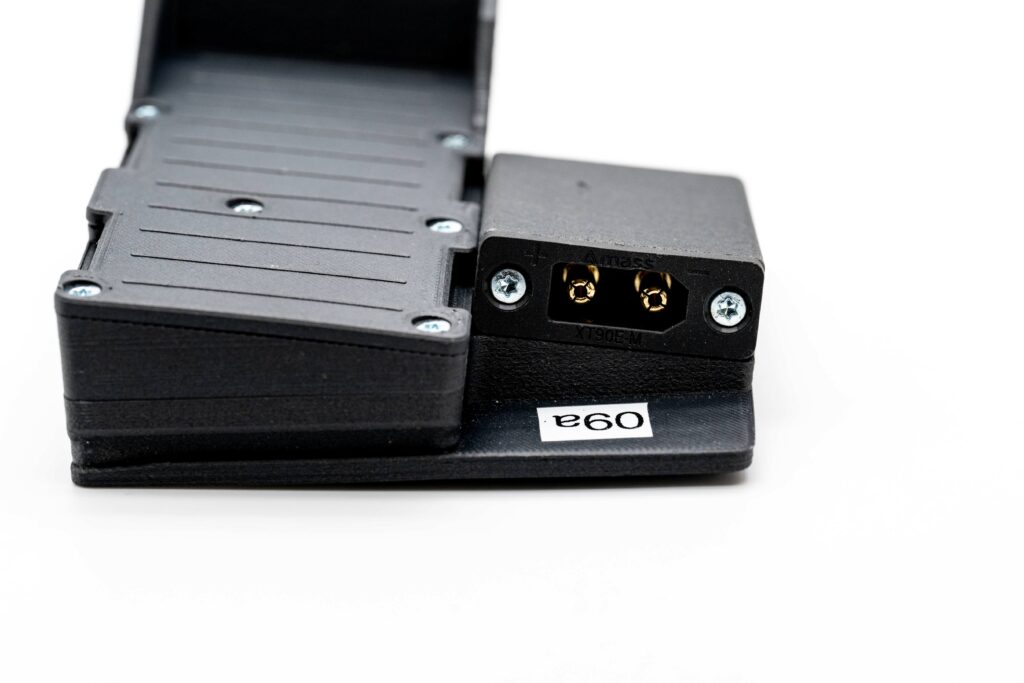
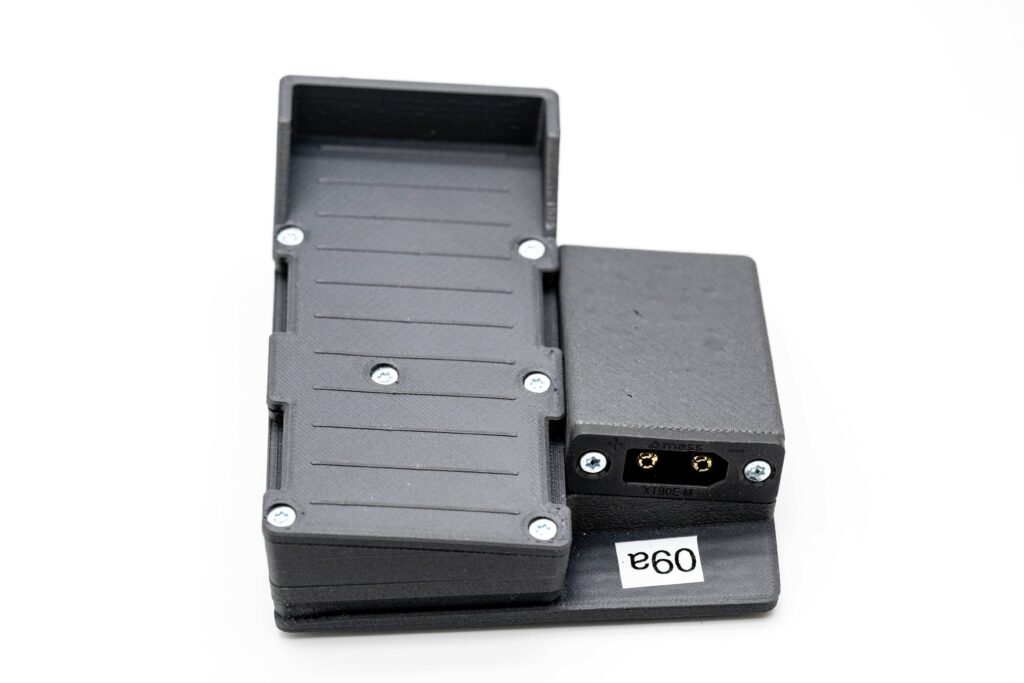
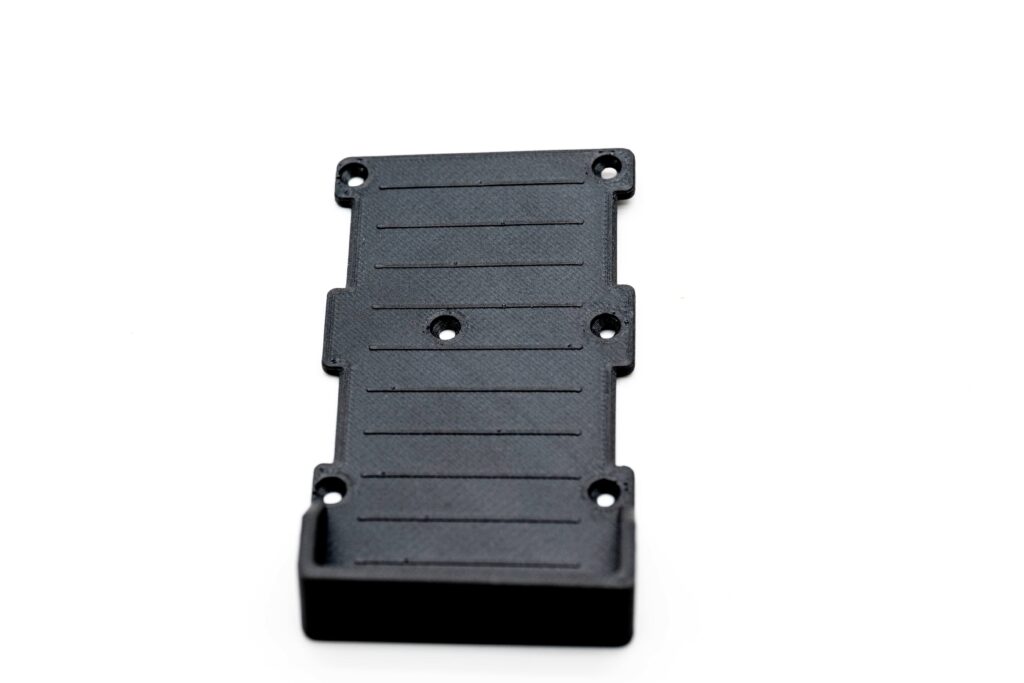
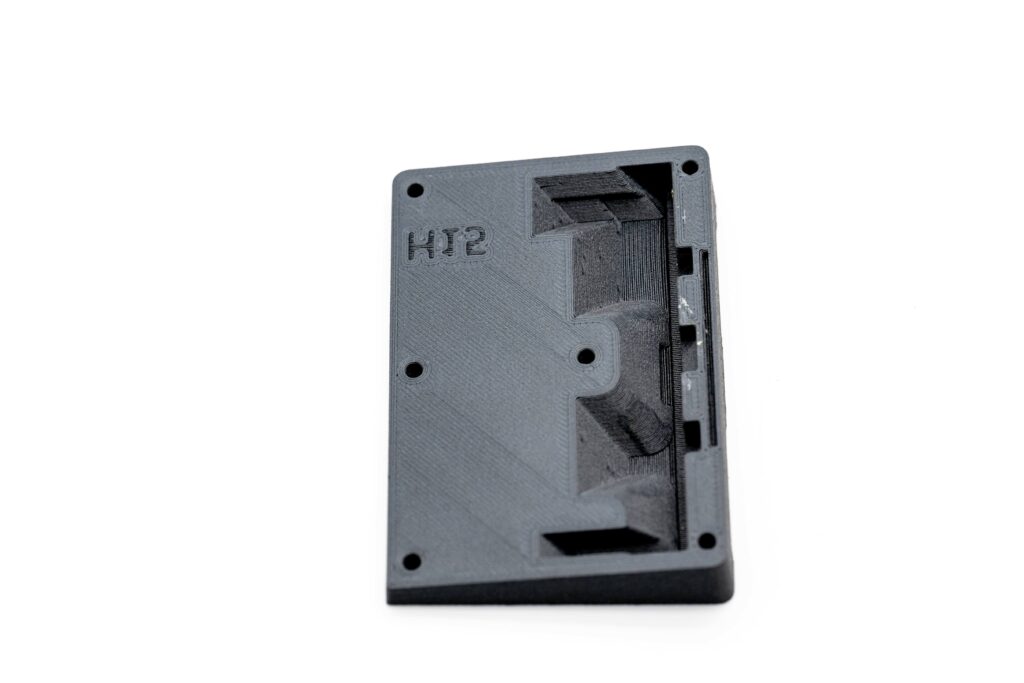
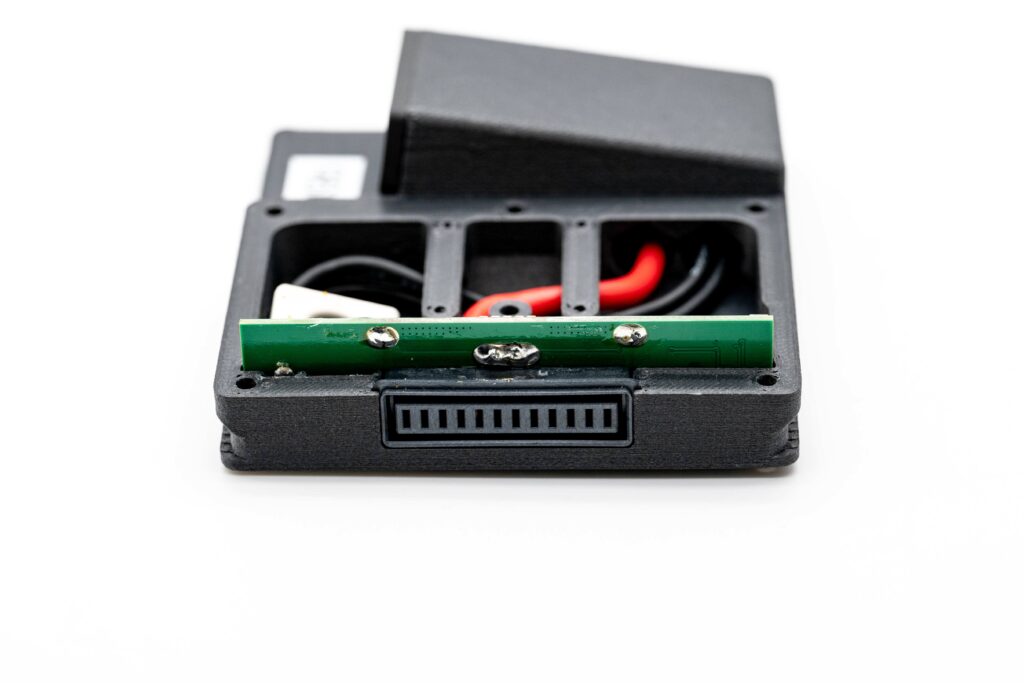
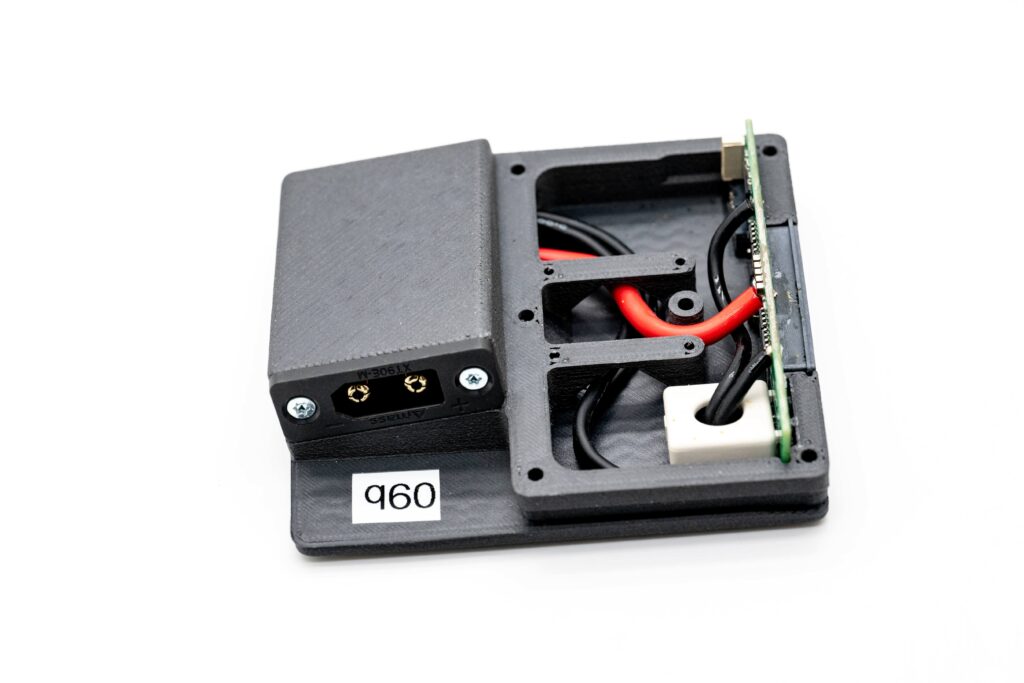
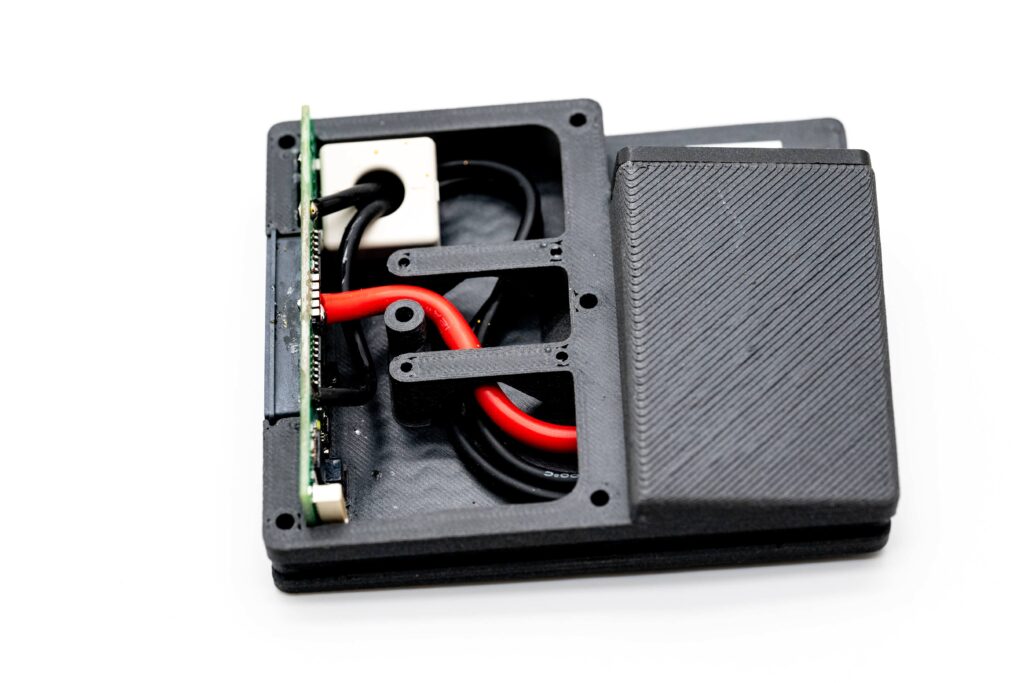
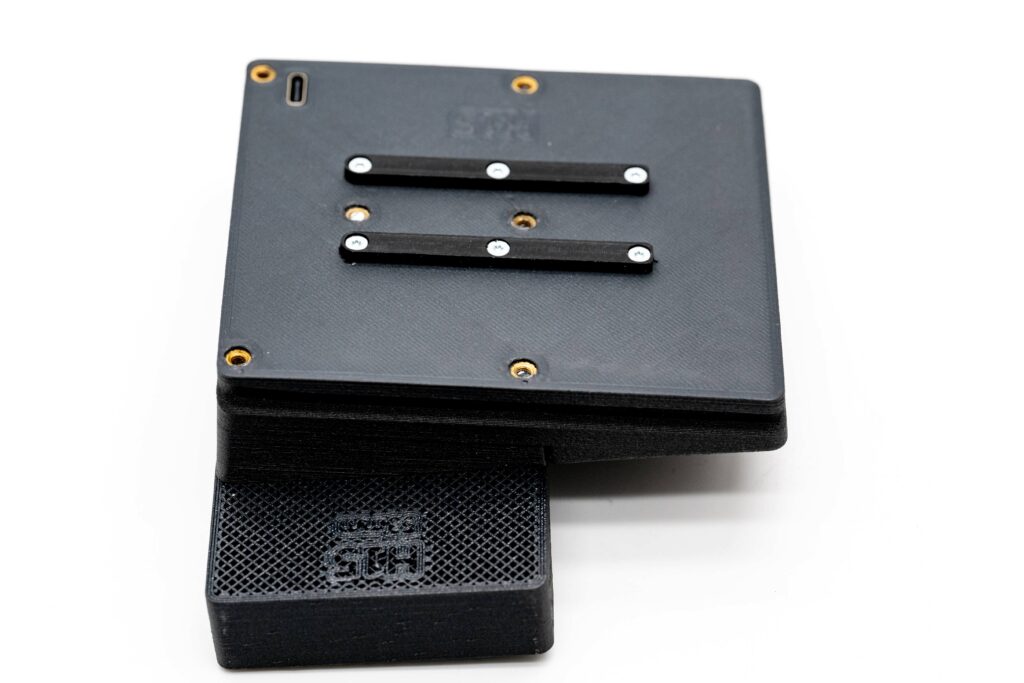
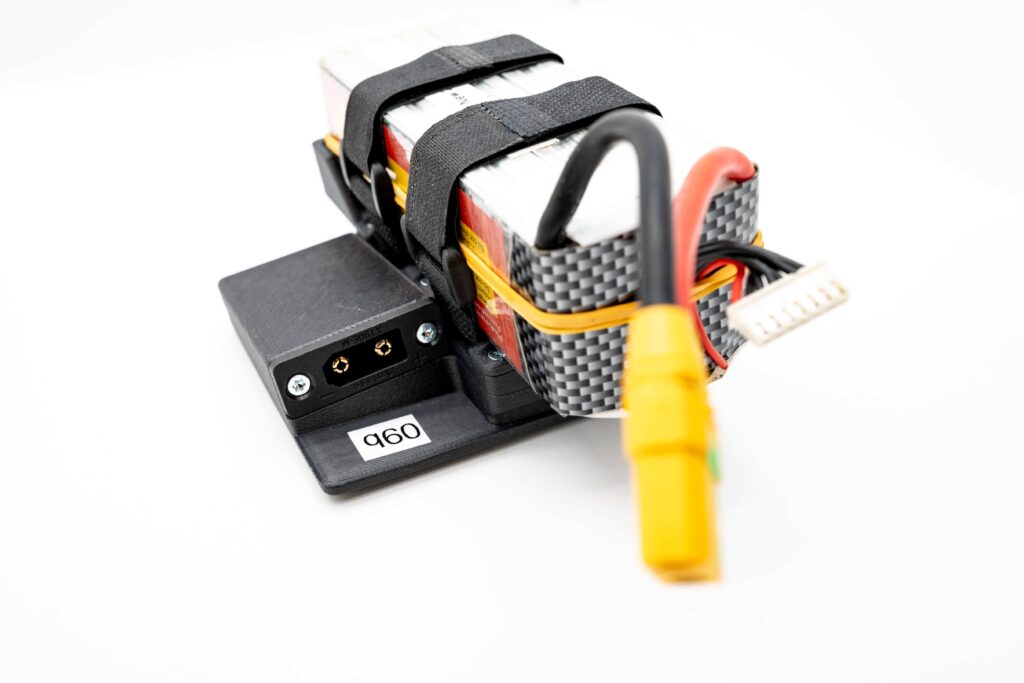
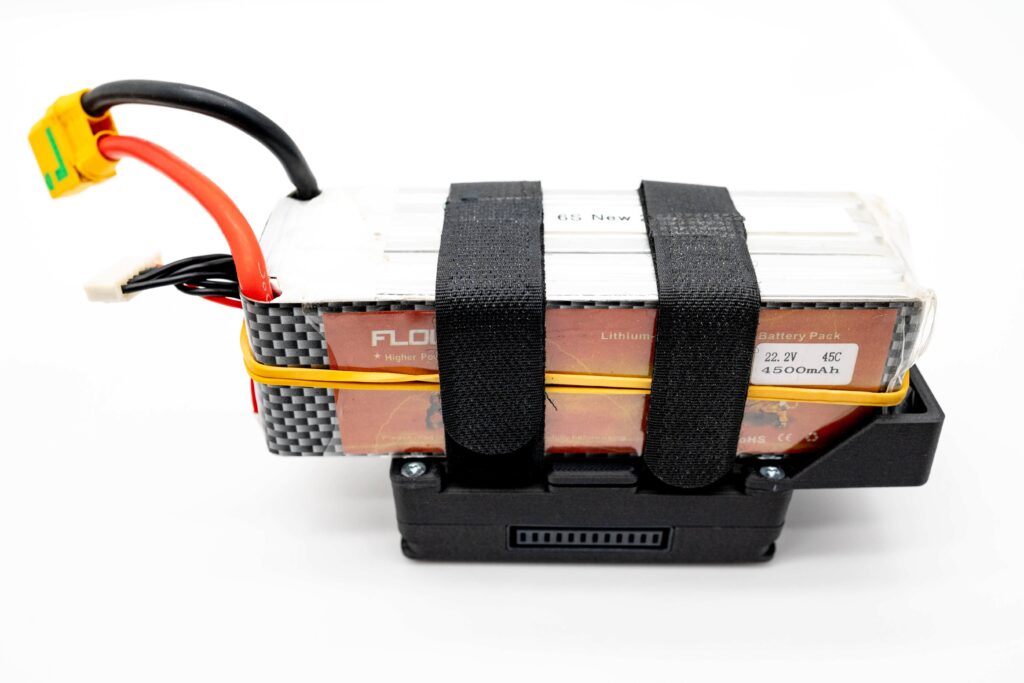
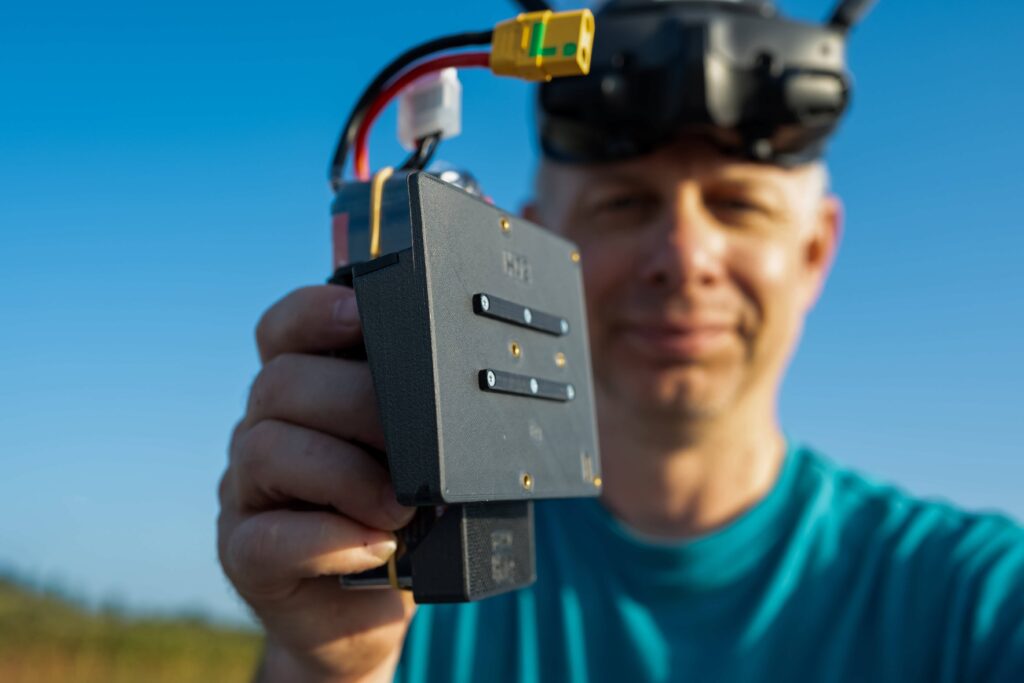
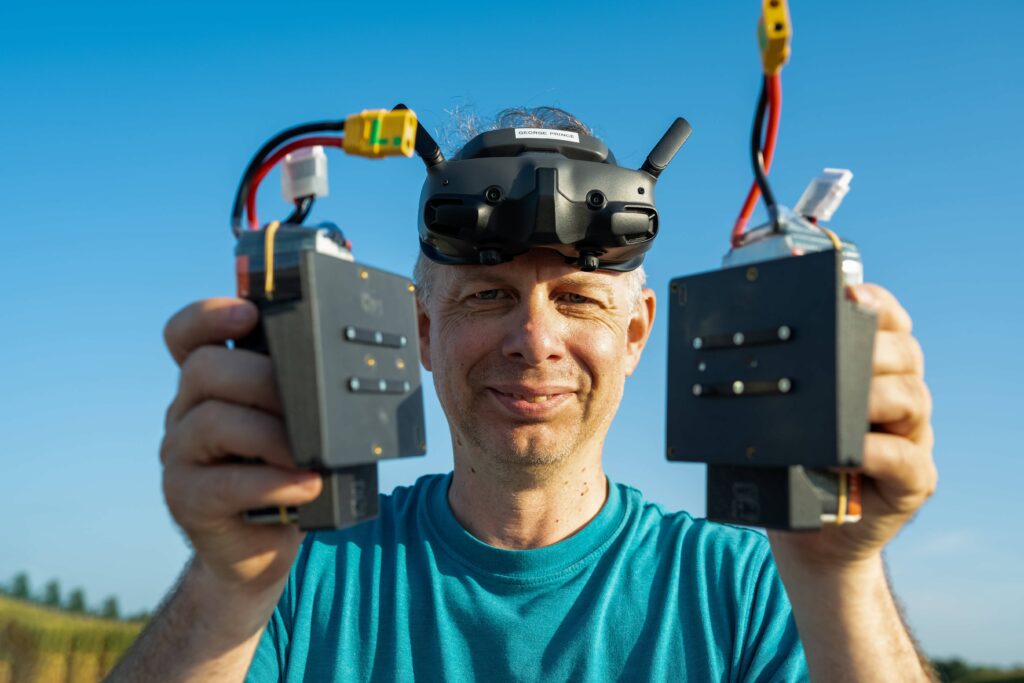
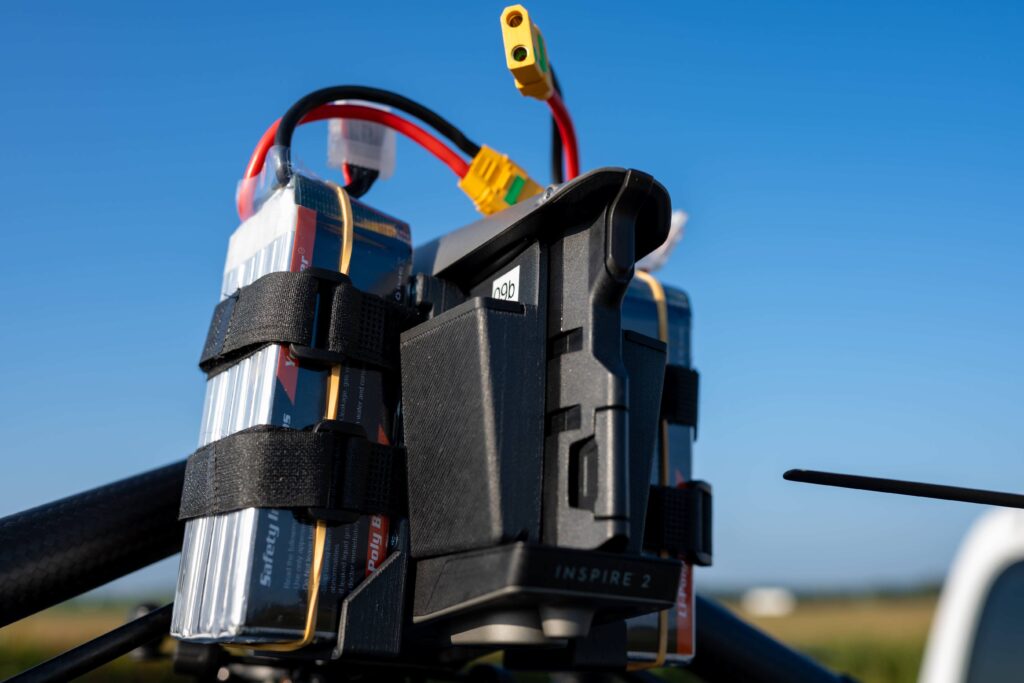
- Strap LiPo of your choice into caddy, plug cables in, check that balance plug is nicely tucked away
- Plug caddy into Inspire as you would do with regular TB50 and make sure there is at least 5mm gap between LiPo and propeller
- Go fly and create!
Protections
There are several level of protections built in and tested extensively, both software and hardware
- Hardware anti-spark protection
- Current sensor to monitor power consumption
- If you accidentally use 2 batteries with significantly different charge level you will get “0%” error on voltage screen for battery with lower voltage
- Even if onboard “microcontroller” will fail (blow up or burn) your drone will not fall down from the sky – you will have “N/A” error on battery screen yet you will still be able to come back and land (and you should do that as soon as possible, of course)
- While you can still enjoy Inspire’s original battery level protections (which are on the most part based on “SOC” – capacity %) we highly advise you to rely on voltage monitoring! Capacity % is just a guesstimate!
FAQ
- Flight time? Fully depends on batteries you’re using – theoretically you can use even something as small as 2000mah 6S LiPo’s if you want, less weight means more speed but obviously you will lose on flight time. 4000-4500mah you get safe 10+min flight time…
Full credit for this article goes to:
https://www.kopterworx.com/inspire-2-lipo-caddy.html
Available at Kopterworx shop:
Need assistance?